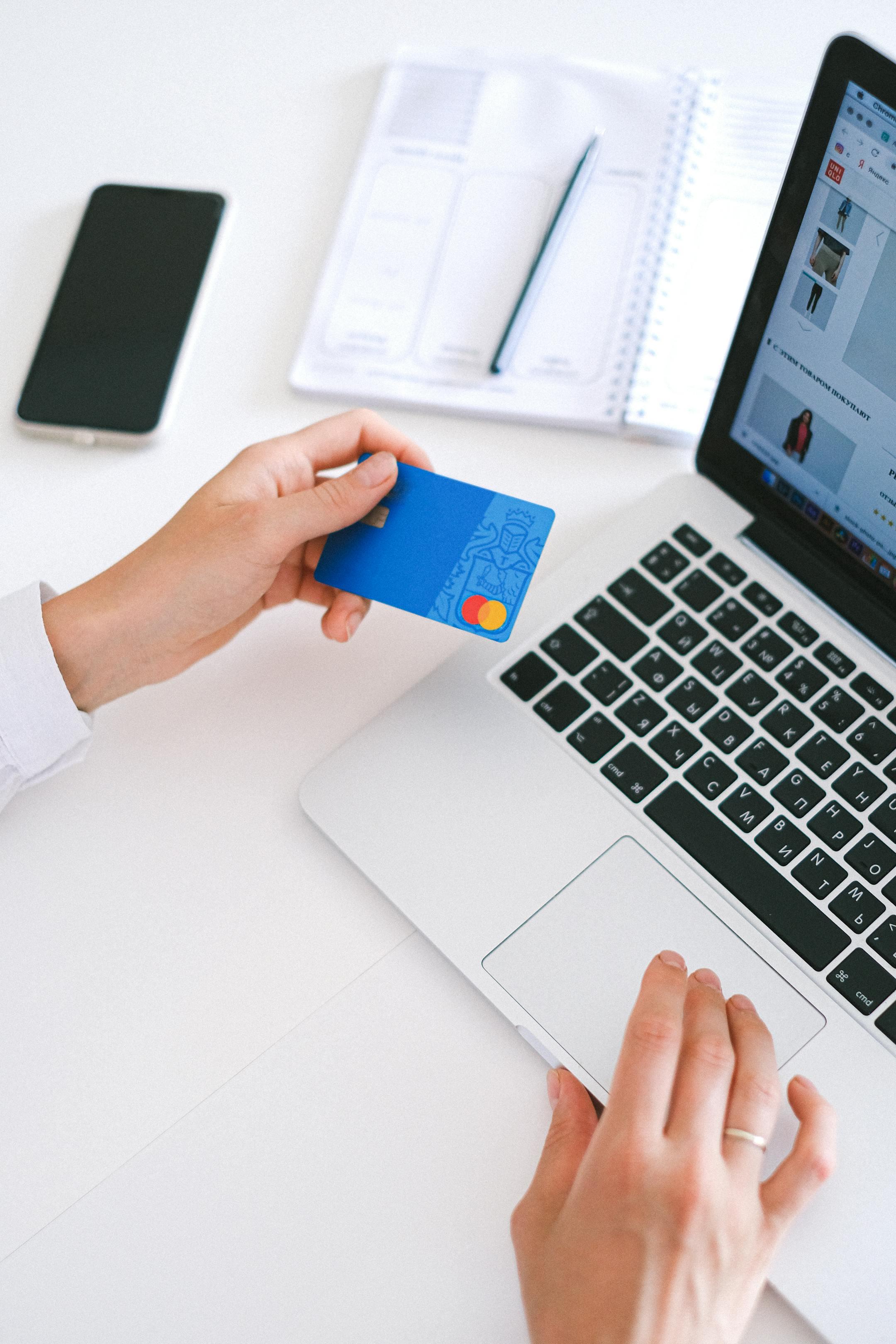
🔹 Pay by Cash or Check
If you prefer offline payment, we also accept cash or checks.
Instructions:
- Cash: Pay in person at your appointment.
- Check: Make checks payable to Next Level Tax and Accounting to pay in person at your appointment.
🔹 Pay with Zelle (Free & Instant)
Zelle is a fast, no-fee way to send money directly from your bank account.
Instructions:
- Open your banking app or Zelle app.
- Select “Send Money with Zelle.”
- Send payment to:
📧 kford@nextleveltaxandaccounting.com - Add your name and order number in the “memo” section.
- After sending, please confirm your payment with a screenshot by text/email.
🔹 Pay with PayPal (Online Card Payments)
Use your debit/credit card or PayPal balance to pay securely online.
Instructions:
- Click the button below to pay through PayPal’s secure checkout:
[Pay with PayPal] - You can use any major card — Visa, Mastercard, Discover, or AmEx.
- Once payment is complete, you’ll receive an automatic confirmation email.
- Once we receive your payment, we’ll confirm by email or text.